








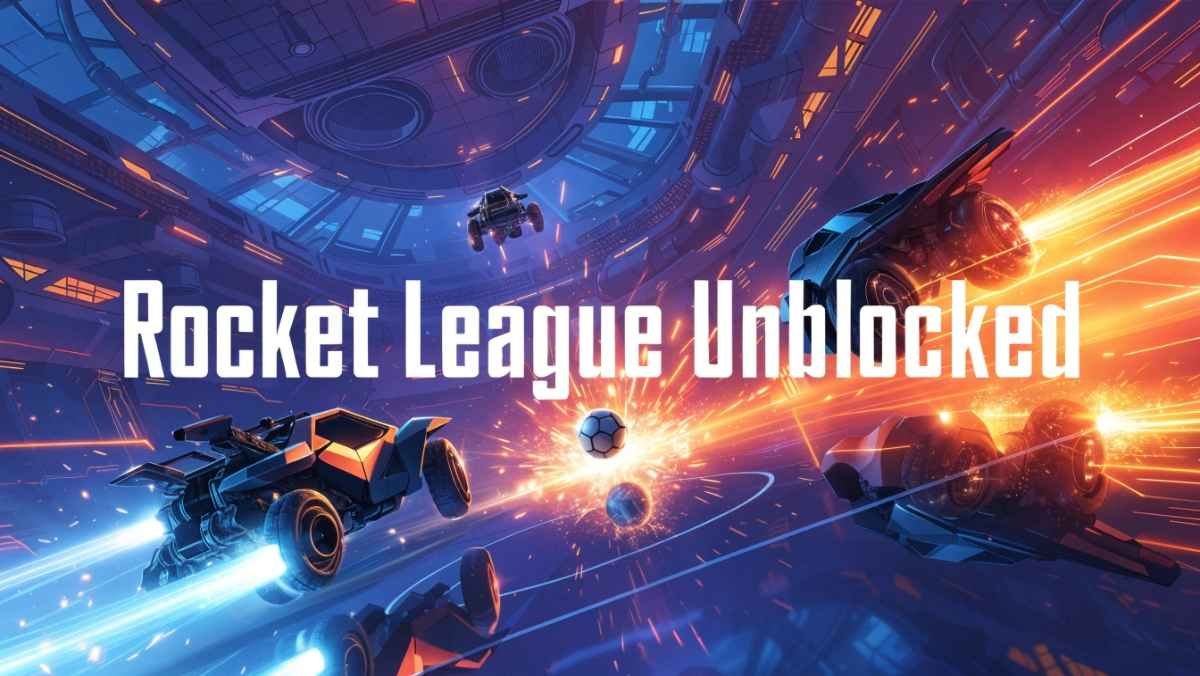
Rocket League Unblocked lets you boost, flip, and score in fun browser-based car soccer games like Rocket Soccer Derby. Play 2D unblocked versions completely free — no downloads, fully accessible on school networks.
In this article, discover how to play Rocket League Unblocked at school, explore free 2D versions, top sites, safety tips, and boost your gameplay today!
What Does “Rocket League Unblocked” Actually Mean?
Before jumping into the how-to, it helps to understand what you are really searching for. Rocket League is a wildly popular vehicular soccer game developed by Psyonix. In the official version, two teams of rocket-powered cars compete to smash a giant ball into the opposing team’s goal.
It is fast, physics-driven, and seriously addictive. The full game is available on PC (via Epic Games and Steam), PlayStation, Xbox, and Nintendo Switch.
Here is the catch: the real Rocket League is not a browser game. It requires a download and cannot run on a school Chromebook or a restricted work computer.
So when people search for Rocket League Unblocked, what they usually find are:
- Browser-based alternatives that mimic the Rocket League style of play
- 2D Rocket League Unblocked versions — simplified, flat takes on car soccer
- 3D Rocket League Unblocked games built in WebGL that look closer to the real thing
- Fan-made clones like Rocket Soccer Derby or similar titles inspired by the original
These are not made by Psyonix, but many of them are genuinely fun and perfectly playable on a school Chromebook or work laptop.
Is Rocket League Unblocked Safe to Play?
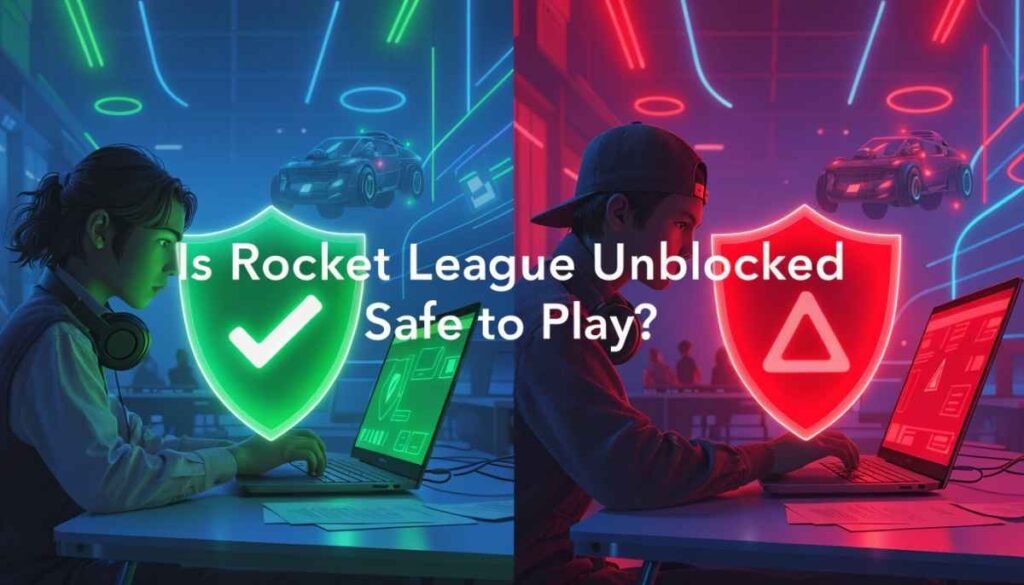
This is the most important question, especially for students using school-managed devices.
The honest answer is: it depends on where you play.
Not every unblocked game site is created equal. Some are clean, ad-light, and completely safe. Others are loaded with pop-up ads, shady redirects, or even malware. Here is a quick safety checklist before you click play on any site:
- Does the site use HTTPS? Look for the padlock icon in your browser’s address bar.
- Are there excessive pop-up ads? A few ads are normal, but aggressive pop-ups are a red flag.
- Does the URL look suspicious? Stick to well-known platforms with real reputations.
- Is your school device managed? Even visiting a “safe” gaming site could trigger monitoring software.
When in doubt, use your mobile data hotspot instead of school WiFi. This bypasses school network filters entirely and keeps your school account clean.
Also Read: Hockey Bros – Tips, Controls & Multiplayer Action!
Best Sites for Rocket League Unblocked in 2026
Here are the most popular and trusted platforms where you can find Rocket League Unblocked games right now.
Unblocked Games 66 and Rocket League Unblocked 66
Rocket League Unblocked 66 refers to games found on “Unblocked Games 66” style websites. These platforms have been around for years and are well-known in the school gaming community.
They host lightweight browser games that load quickly without needing any installation. The Rocket League-style games here are usually 2D versions and work great on older Chromebooks.
Unblocked Games 76 and Rocket League Unblocked 76
Rocket League Unblocked 76 follows the same concept but on a different platform. Unblocked Games 76 sites tend to have a slightly larger game library and better filtering tools.
You can typically find both 2D and limited 3D car soccer games here, along with clear category labels so you know exactly what you are loading.
Classroom 6x
Rocket League Unblocked Classroom 6x is one of the newer platforms specifically designed for school networks. It is built to bypass common network-level filters and offers a clean, student-friendly interface.
Games load in-browser without downloads, and the site tends to have fewer intrusive ads compared to older unblocked platforms. If you are on a managed school Chromebook, this is often the safest first stop.
GamePluto and Similar Chrome-Compatible Sites
Platforms like GamePluto host Rocket League-style games that are fully compatible with Chrome, Edge, and Firefox. These are great options for playing Rocket League Unblocked online directly in your browser with no setup required.
2D vs 3D Rocket League Unblocked — What Is the Difference?
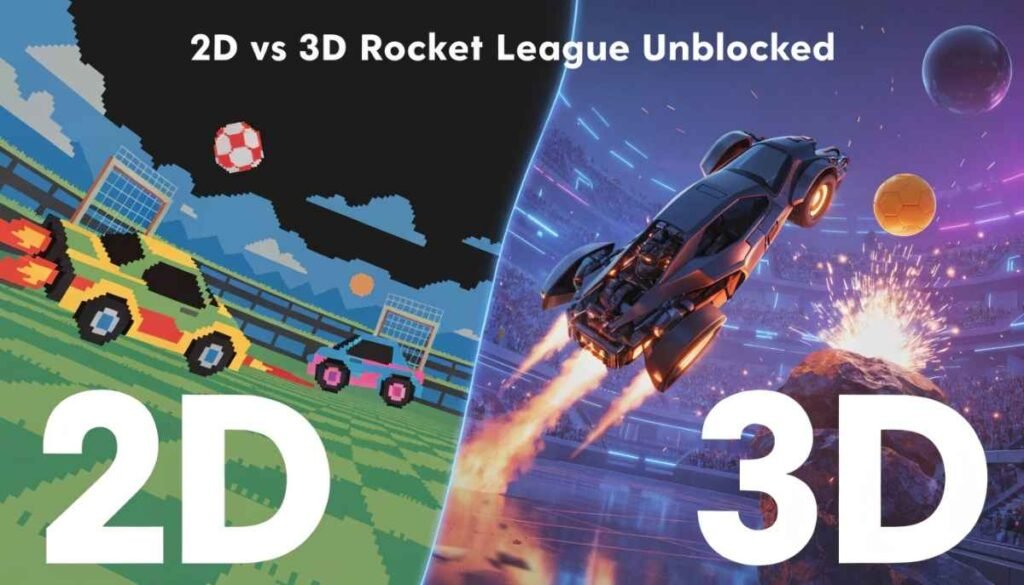
One of the most common questions is whether to go with a 2D Rocket League Unblocked game or a 3D Rocket League Unblocked experience. Here is a quick breakdown:
2D Rocket League Unblocked
- Plays like a side-scrolling car soccer game
- Very low system requirements — runs smoothly on any Chromebook
- Simpler controls, usually just arrow keys or WASD
- Great for quick, casual play during a short break
- Titles like Rocket Soccer Derby fall into this category
3D Rocket League Unblocked
- Closer to the look and feel of the real game
- Built with WebGL technology — needs a slightly more powerful device
- Better graphics and more immersive gameplay
- Some Chrome extensions like the “Rocket League Soccer 3D Unblocked” extension bring this experience directly to your browser
- Longer load times but a more rewarding experience overall
If you are on an older school Chromebook, start with the 2D version. If you have a newer device or a personal laptop, go for the 3D option for a much richer experience.
Must Read: OvO Unblocked – Play Free Online Game Instantly!
What Is a Fake Rocket League Game?
You will see the term Fake Rocket League Unblocked used on some forums and gaming sites. This simply refers to unofficial, browser-based games that are inspired by Rocket League but are not the real product.
These “fake” versions are not necessarily bad — many are genuinely fun to play. However, there are a few things to watch out for:
- They will not have your official Rocket League rank, items, or account progress
- Some poorly made clones feel very different from the real game
- A handful of lower-quality fake games may include intrusive ads or slow performance
Rocket Soccer Derby is one of the most well-known alternatives in this space. It captures the chaotic car-soccer energy of Rocket League in a simple, browser-friendly format that works great on restricted networks. If you enjoy that, you are playing one of the better “inspired by” games available today.
Rocket League Online Free — Is the Real Game Free?
Here is something many people do not realize: the real Rocket League did go free-to-play back in 2020. Psyonix dropped the price tag entirely, so you can download and play the full game for free on PC through the Epic Games Store, as well as on PlayStation, Xbox, and Nintendo Switch.
So if you are at home on a personal computer with no network restrictions, there is zero reason to play a knockoff version. Just head to the Epic Games Store, create a free account, and download the real deal.
The Rocket League Online Free experience in the browser cannot touch what the full game offers — faster gameplay, customizable rocket-powered cars, aerial tricks, ranked competitive seasons, and live esports events.
The game’s competitive scene is still thriving, with the Rocket League Championship Series (RLCS) Major 2 taking place in Paris in May 2026, drawing top teams from around the world.
Beginner Tips for Playing Rocket League (Any Version)
Whether you are playing the real game or a browser-based alternative, these tips will immediately improve your performance.
- Boost Management Matters Most: In both the real game and most browser versions, boost is your most important resource. Collect boost pads whenever you pass over them. Do not waste your full boost on every play — save it for critical moments like making a save or setting up a goal.
- Keep Moving, Never Stop: A standing car is an easy target and a wasted opportunity. Always be rotating — either pushing toward the ball, covering your goal, or repositioning on the field.
- Use the Walls: When the ball goes airborne near a wall, resist the temptation to fly straight at it. Driving up the wall and sliding off toward the ball is far more efficient and uses much less boost.
- Do Not Flip Constantly: Flipping looks cool but commits your car to a direction you cannot change mid-air. Save your flip for moments when you are chasing the ball and need a burst of speed, or when you have a clear shot.
- Practice the Kickoff: Every goal starts with a kickoff. Learning one consistent kickoff routine — even a basic one — gives your team an instant advantage at the start of each round.
Frequently Asked Questions
Can I play the real Rocket League unblocked at school?
The full Rocket League game requires a download and cannot run in a browser, so it is not possible to play it on most school or work networks. Browser-based alternatives and fan-made clones are your best option in those situations.
What is the safest Rocket League Unblocked site in 2026?
Platforms like Classroom 6x, GamePluto, and well-established Unblocked Games 66 and 76 sites are generally considered safe. Always check for HTTPS and avoid sites with aggressive pop-up ads.
Is Rocket Soccer Derby the same as Rocket League?
No. Rocket Soccer Derby is a fan-made browser game inspired by Rocket League’s car soccer concept. It is not made by Psyonix and does not connect to your official Rocket League account, but it is one of the best free alternatives available online.
Does Rocket League Unblocked work on a Chromebook?
Yes, most 2D browser versions of Rocket League Unblocked work very well on Chromebooks. For 3D versions, performance depends on your Chromebook’s specs. Newer Chromebooks can handle WebGL-based 3D games reasonably well.
Is it against school rules to play unblocked games?
This varies by school. Playing games on a restricted network could violate your school’s acceptable use policy. When in doubt, use your personal mobile hotspot instead of school WiFi to stay on the safe side.
Final Thoughts — Enjoy the Game, Stay Safe
Rocket League Unblocked is one of the most searched gaming terms for a simple reason: the game is incredible, and people want to play it everywhere. While the browser-based versions cannot fully replicate the magic of the real thing, options like 2D Rocket League Unblocked, Rocket Soccer Derby, and platforms like Classroom 6x, Unblocked Games 66 and 76 give you a genuinely fun experience on even the most restricted networks.
If you are at home, do yourself a favor and download the real Rocket League for free from the Epic Games Store. If you are stuck on a school Chromebook — you now have everything you need to find a safe, working alternative.
Bookmark this page, share it with your friends, and get back in the arena. The ball is not going to hit itself.